How to Integrate NES and LimeSurvey Questionnaire
A questionnaire created in LimeSurvey can only be used on the NES system if it has certain properties, defined at the creation and activation times of the questionnaire. These properties are:
The questionnaire must have Token-based response persistence
The questionnaire must have a Group of Hidden Questions Called NESIdentification
The questionnaire must use Token-based access control
To assign these three properties to a questionnaire, follow the instructions presented in the following sections.
Token-based response persistence
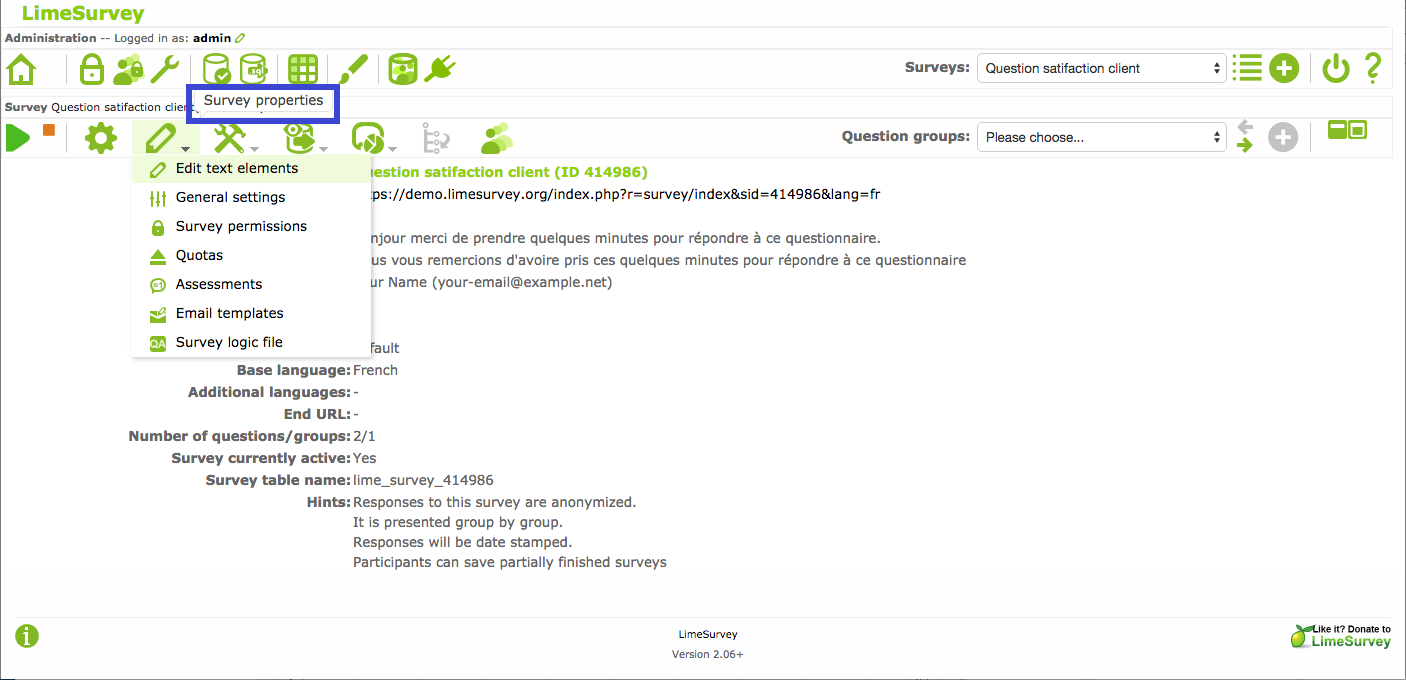
Open the questionnaire for editing in LimeSurvey (
Survey Properties|Edit text elements)
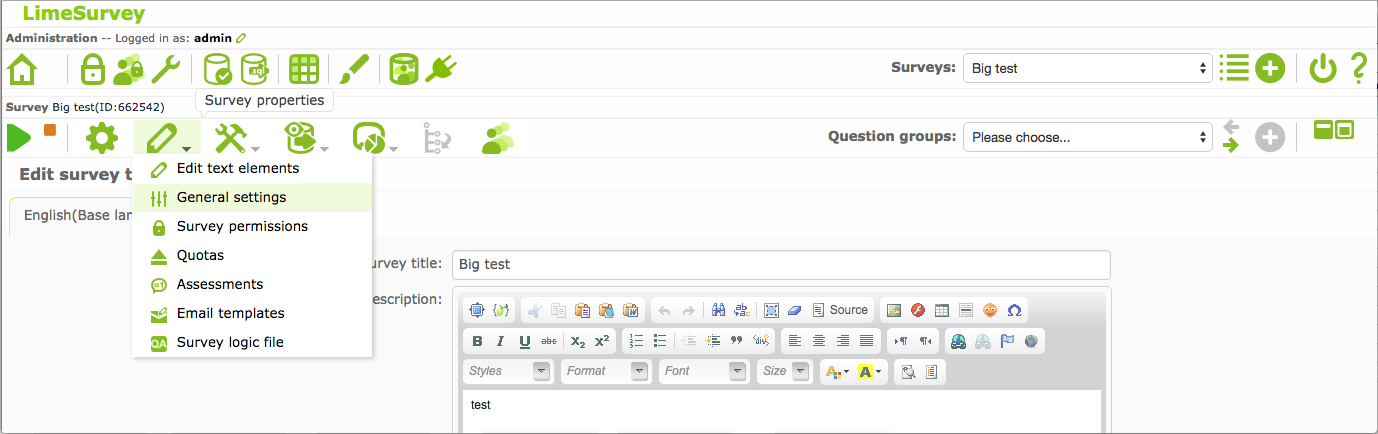
Enter
General Settings` menu, and then ``Tokenstab
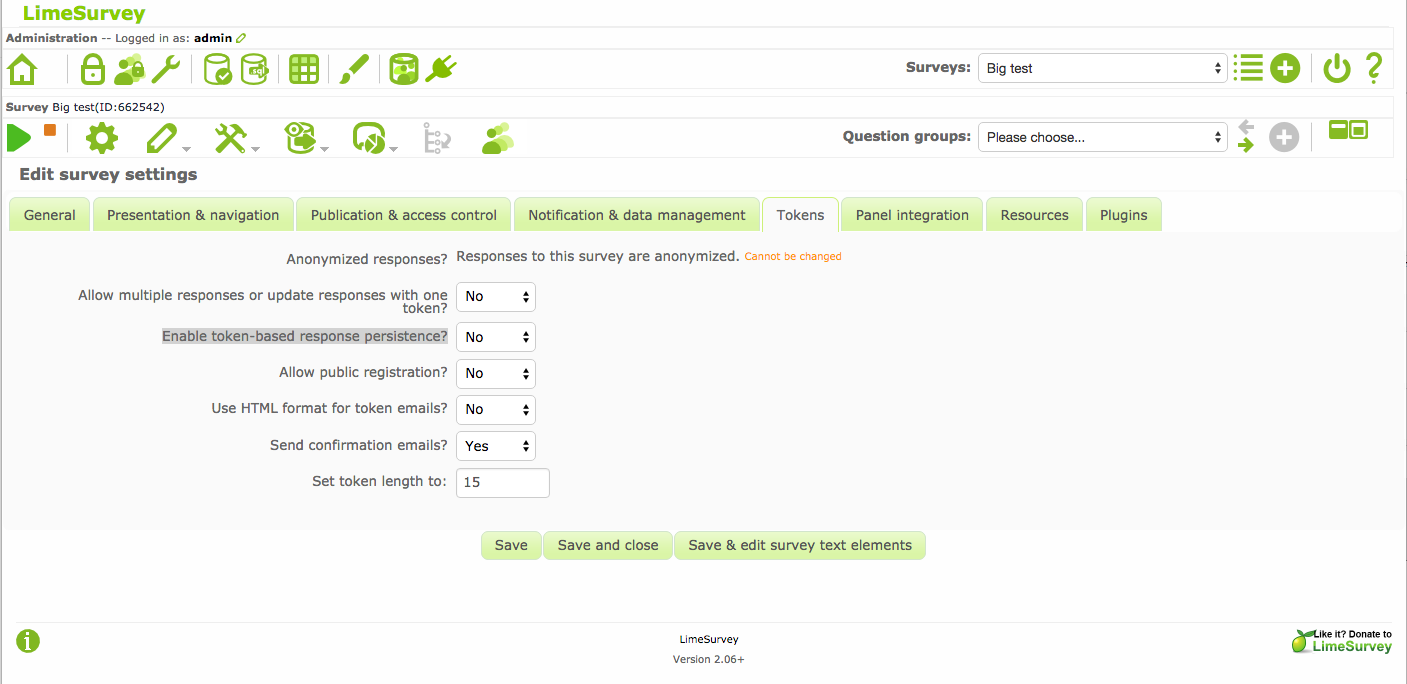
Choose
Yesto optionEnable token-based response persistence?Click the
Savebutton at the bottom of page.
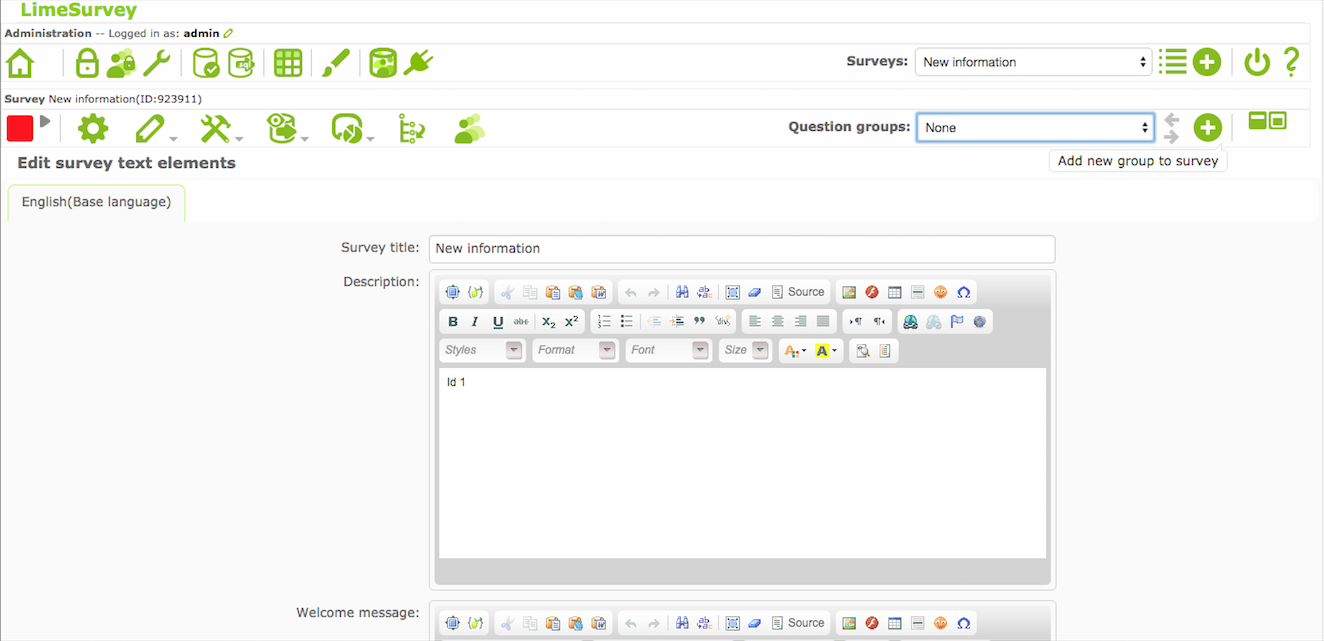
Token-based access control
For a questionnaire that has been activated:
Open the questionnaire for editing in LimeSurvey (
Survey Properties|General Settings)
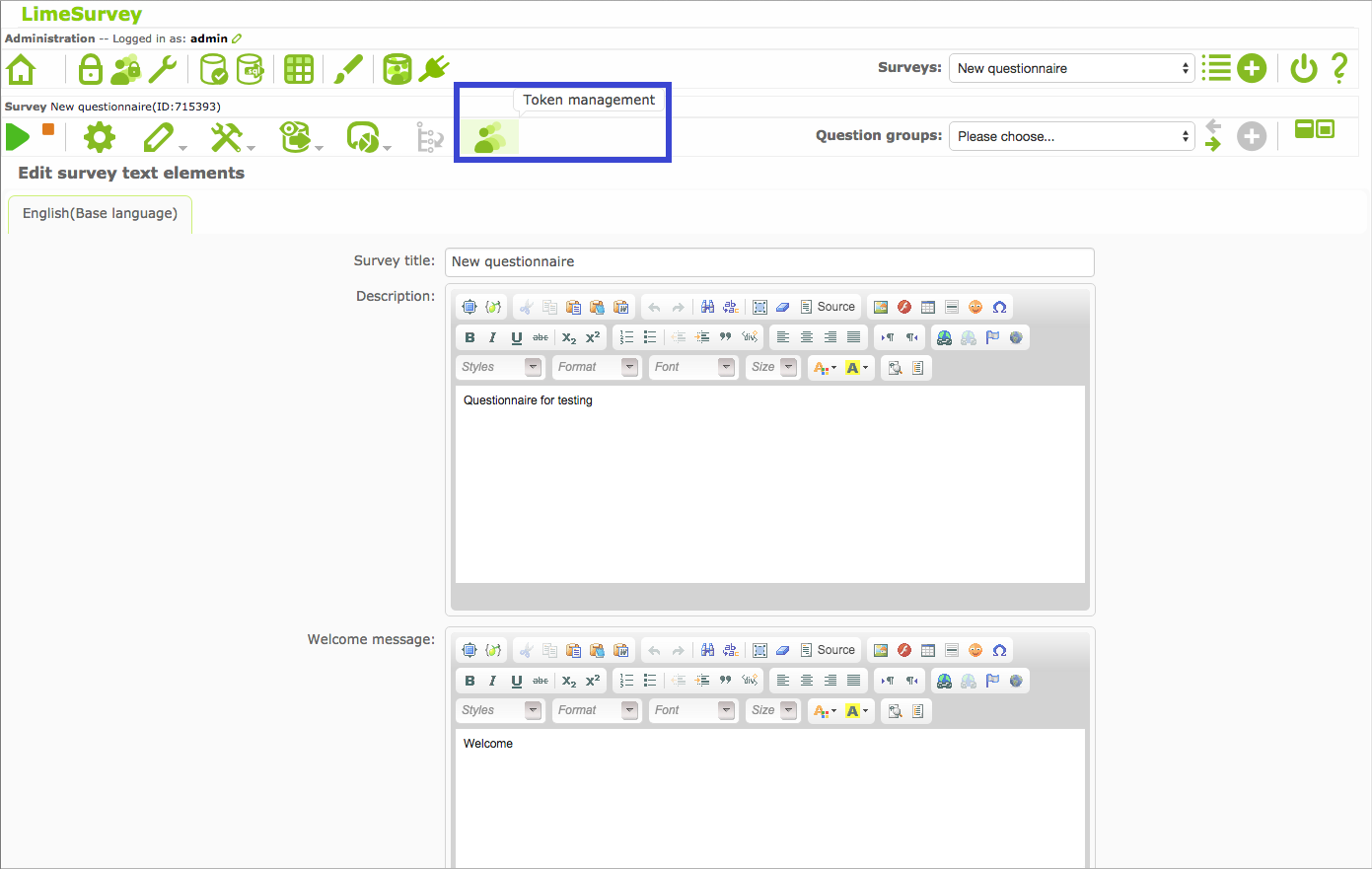
Enter the “Token management” menu and then click the
Initialise tokensbutton;
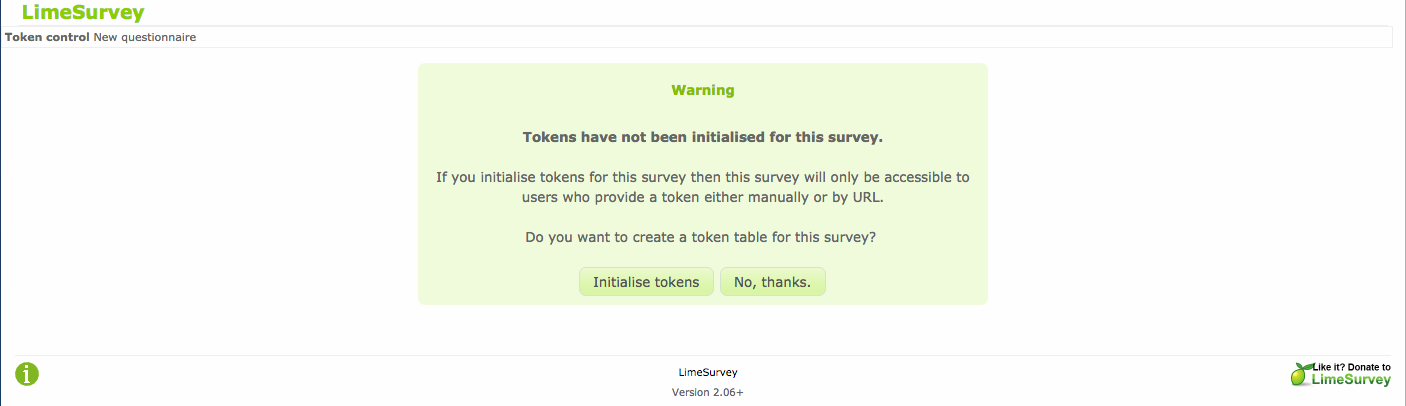
On the next screen, click the
Continuebutton;

For a questionnaire that has not been activated yet, the use of tokens to control the access to the questionnaire can be enabled when the questionnaire is activated:
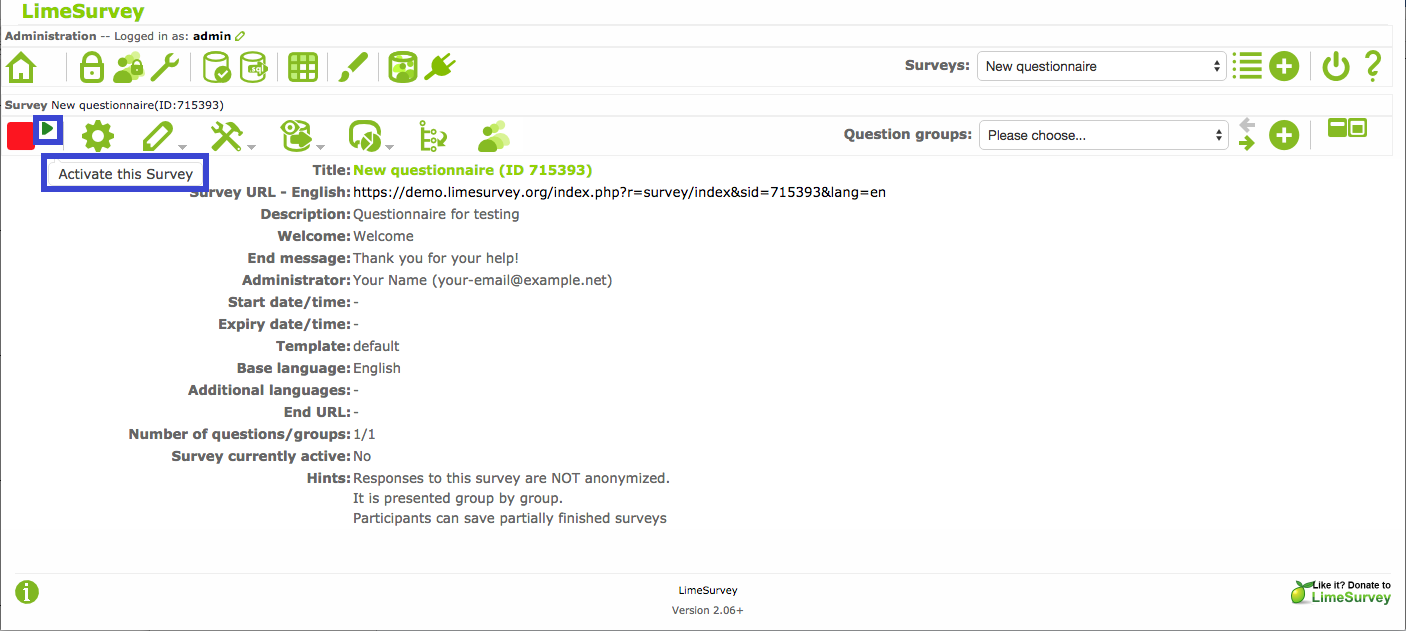
After the questionnaire is ready for use, enter the
Activate this Surveymenu and then click theSave / Activate surveybutton
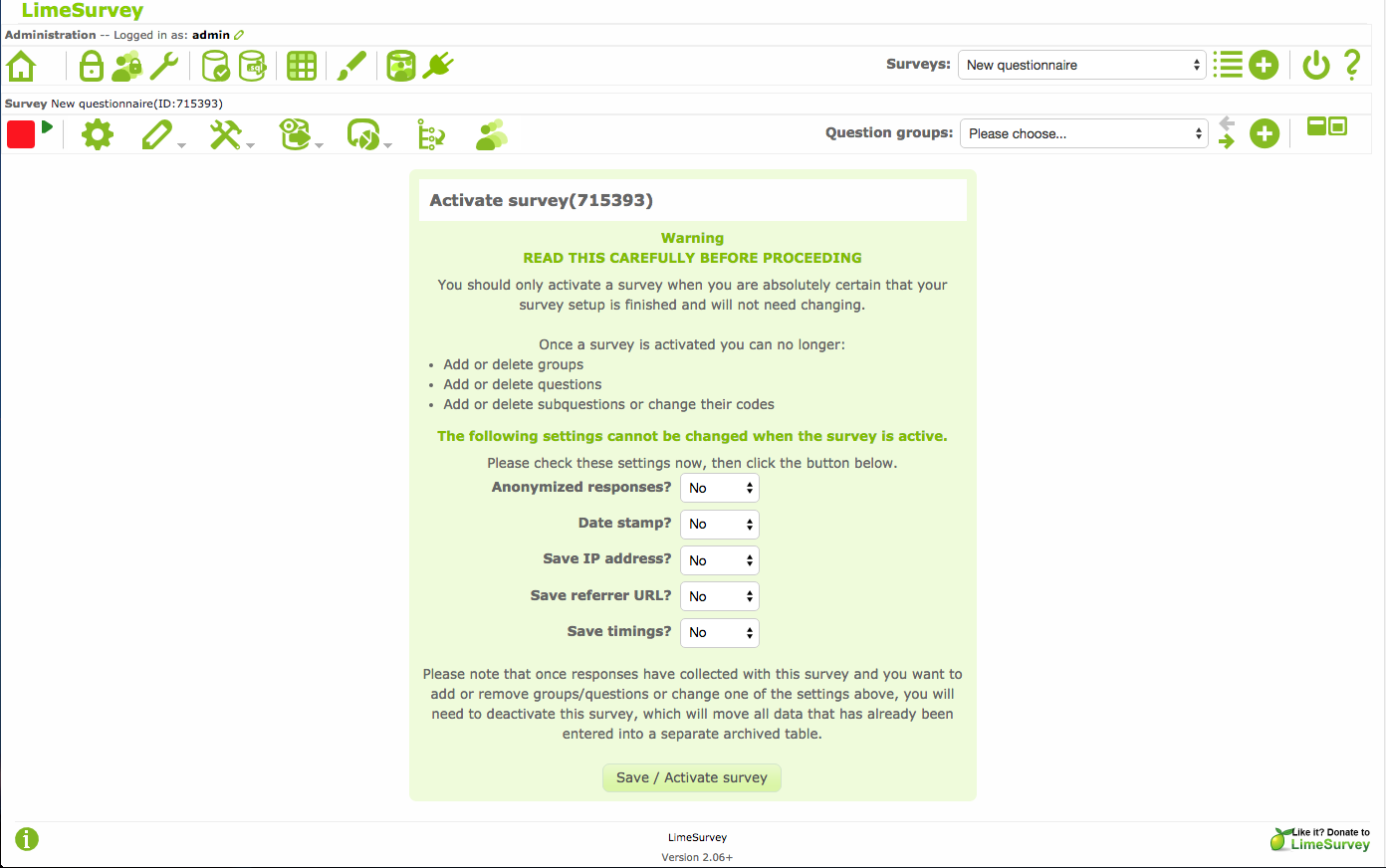
On the next screen, click the
Switch to closed-access modebutton
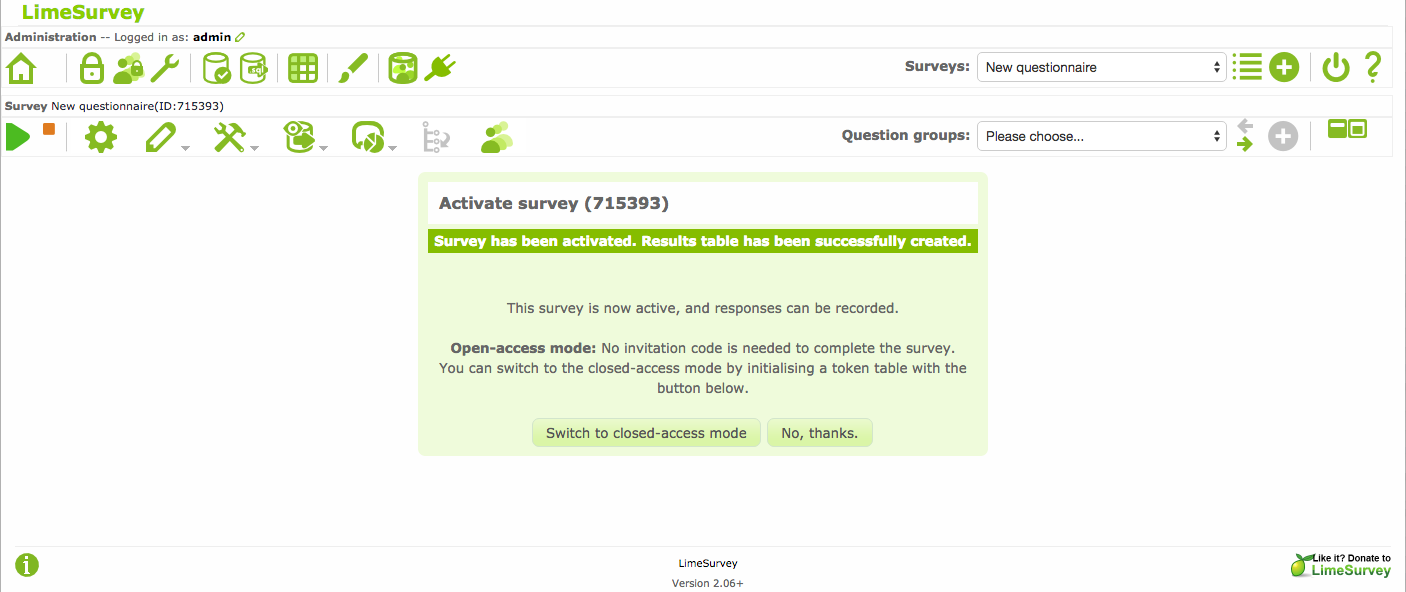
On the next screen, click the
Initialise tokensbutton
On the next screen, click the
Continuebutton